From Rehearsal to Stage: How Gig Friend Fits Your Workflow
See how Gig Friend connects every step of a gigging musician's workflow — from learning new songs and running rehearsals to building setlists and performing live.
The Gigging Musician’s Workflow Is Fragmented
If you are a gigging musician, your workflow probably looks something like this:
- Someone suggests a new song
- You find a recording on a streaming service
- You learn your part using a mix of YouTube, chord sites, and your ears
- Notes and charts go into a folder, a notes app, or a piece of paper
- At rehearsal, the band works through the arrangement
- Someone builds a setlist in a spreadsheet or group chat
- At the gig, you pull up lyrics on your phone and the setlist on a printout
- After the gig, you forget half the arrangement decisions you made
Every step uses a different tool. Nothing connects to anything else. Information gets lost between steps. It works, but it is held together with effort and memory.
Gig Friend replaces this with a single, connected workflow.
Step 1: Add a Song to Your Library
When you add a new song, upload the reference recording directly to Gig Friend. This becomes the single source of truth that everyone in the band learns from.
As soon as the song is uploaded, Gig Friend automatically detects the key and BPM. You can also run AI stem separation to get isolated vocals, drums, bass, and other instruments — useful for learning parts and creating practice tracks.
Step 2: Map the Song’s Structure
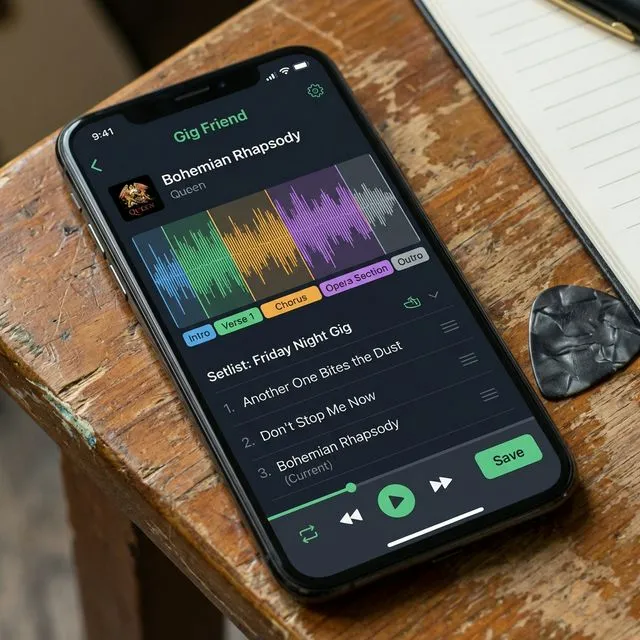
Open the song and you see the full waveform. Tap to mark sections: intro, verse, chorus, bridge, outro. Color-code them so the structure is visible at a glance.
Add notes to any section — arrangement decisions, cues, dynamics, anything the band needs to know. These notes live with the song, not in someone’s personal notebook.
Step 3: Extract or Add Lyrics
Use AI lyrics extraction to pull words directly from the recording, or type them in manually. Either way, the lyrics are attached to the song and available for teleprompter use on stage.
Step 4: Share with Your Band
If you are part of a band on Gig Friend, every song you add to the shared library is immediately available to all members. Everyone sees the same reference recording, section map, notes, and lyrics.
No more sending files through group chats. No more “which version are we using?” conversations. One library, one truth.
Step 5: Build Your Setlist
When a gig is coming up, build your setlist by pulling songs from the library. You can see keys and tempos at a glance to plan smooth transitions. Drag and drop to reorder. The setlist is instantly shared with all band members.
Step 6: Rehearse with Everything in Front of You
At rehearsal, open Gig Friend and you have everything you need: the reference recording with section markers, arrangement notes, and your setlist order. Run through the set in order and make real-time adjustments — reorder songs, add notes, flag sections that need more work.
Step 7: Perform with Confidence
On stage, Gig Friend becomes your performance companion:
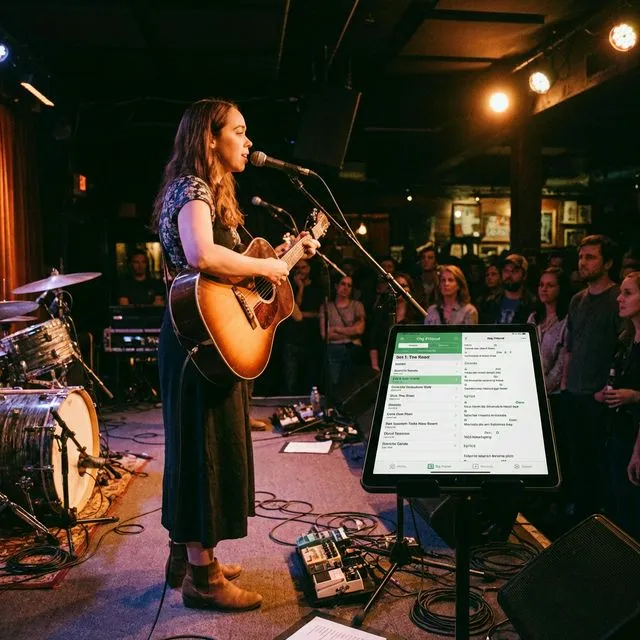
- Setlist — the full set order on your screen, no paper needed
- Song notes — a quick glance shows you the arrangement for the next song
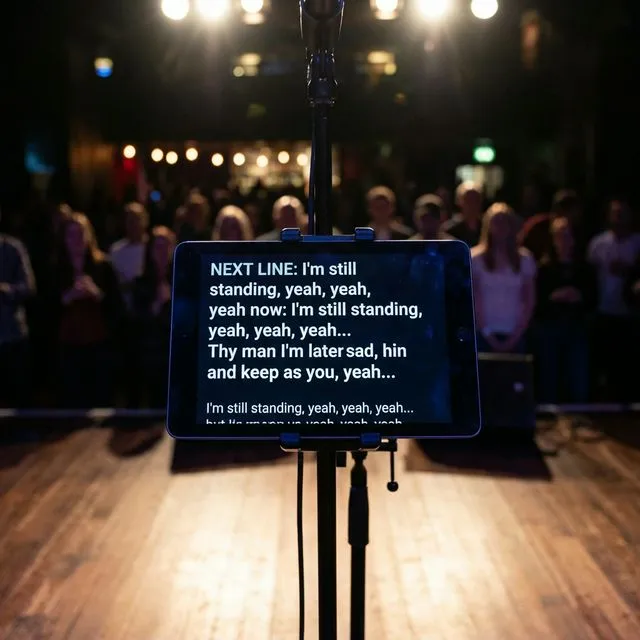
- Teleprompter — lyrics scroll as you perform, so you never lose your place
- Section map — see where you are in the song at a glance
Everything you prepared with is the same tool you perform with. No context switching, no information lost in translation.
Step 8: After the Gig
Add notes about what worked and what did not. Update arrangements based on what you learned on stage. Your library evolves with every performance, building a living record of your band’s repertoire.
Why This Matters
The individual features are useful on their own, but the real value is in the connection between them. When your learning, rehearsing, and performing all happen in the same place, nothing falls through the cracks.
You stop losing arrangement notes. You stop debating which version of a song to play. You stop scrambling to assemble setlists and print lyric sheets. Instead, you spend that time and energy on the thing that actually matters: making music.
That is the workflow Gig Friend is designed to support — from rehearsal to stage, everything connected, nothing lost.
Gig-Friend Team
The Gig-Friend team is dedicated to helping gig economy workers take control of their finances, optimize their workflow, and build sustainable freelance careers.
Related articles
Introducing Gig Friend: Every Song Mapped. Every Gig Nailed.
Gig Friend is here. Learn about the new all-in-one platform built to help performing musicians manage songs, build setlists, collaborate with bandmates, and perform with confidence.
How to Use the Stage Teleprompter in Gig Friend
Forget lyric sheets and music stands. Learn how to use Gig Friend's built-in teleprompter to display lyrics on stage so you can focus on performing.
Building the Perfect Setlist: A Guide for Gigging Bands
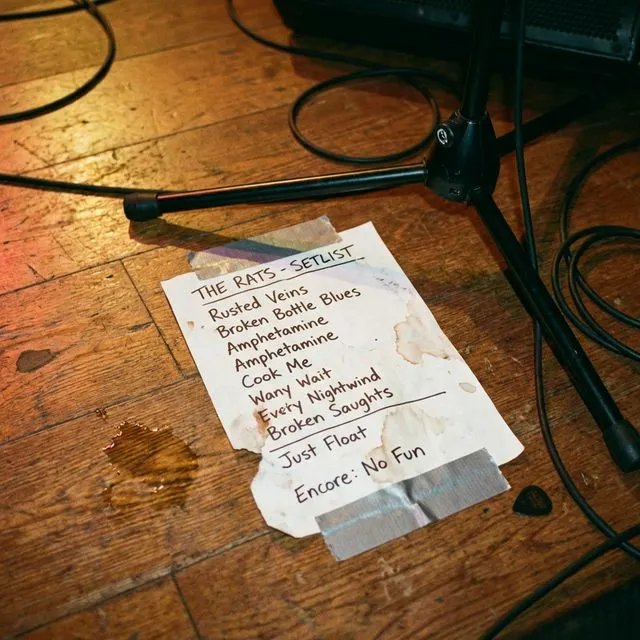
A great setlist is more than a list of songs. Learn the principles of energy flow, pacing, and audience psychology that separate forgettable sets from unforgettable ones.